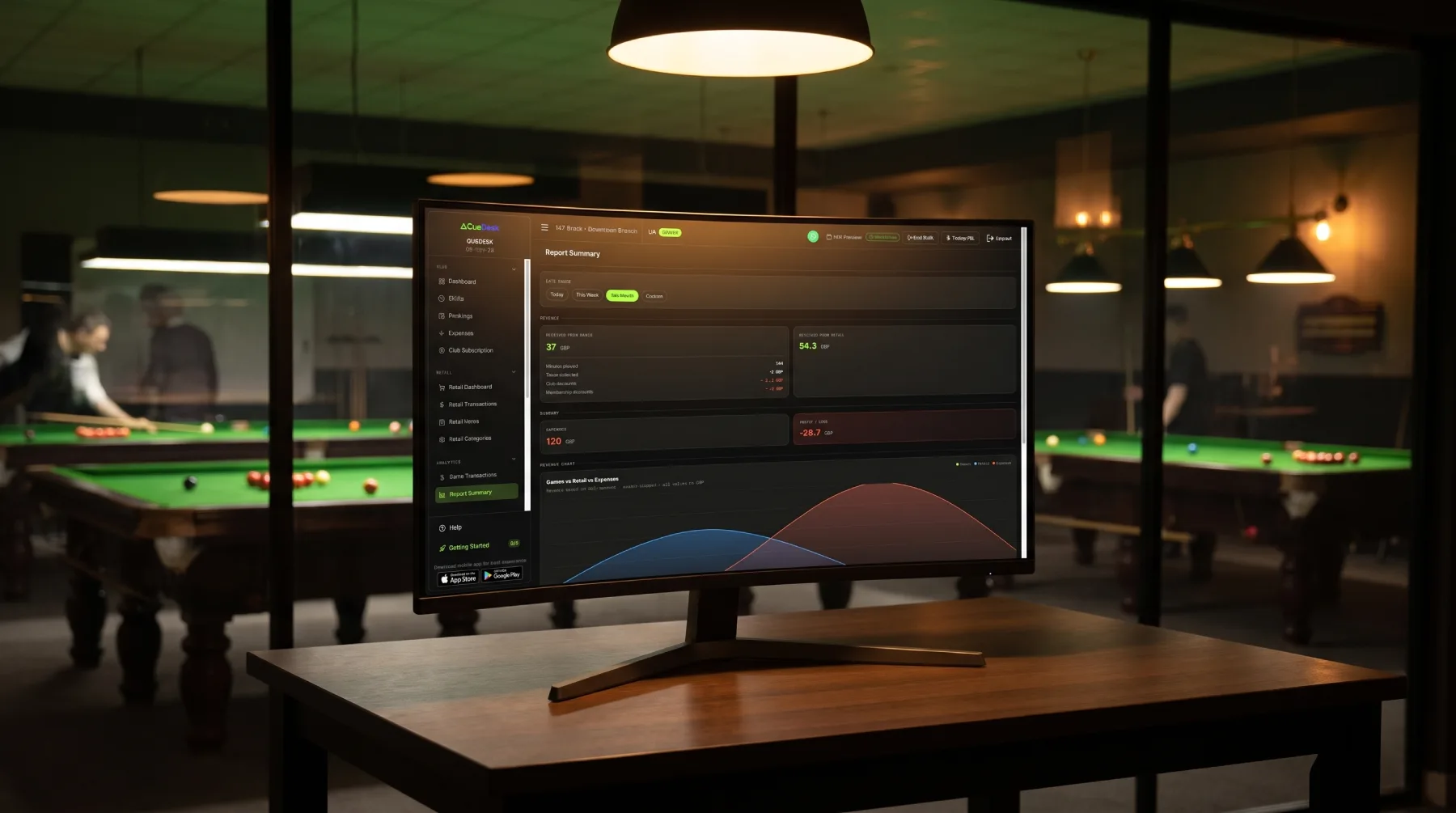
Most snooker and billiard club owners check their total revenue at the end of the week and call it reporting. That's one number out of dozens your club generates every day. The owners who consistently grow their clubs aren't looking at more data — they're looking at the right data, on a regular cadence. Here are the five reports worth opening every week, and what to actually look for inside each one.
1. Revenue Overview — Your Weekly Financial Pulse
The revenue overview is the starting point for any weekly review. In CueDesk, this shows total revenue for the period alongside a breakdown of game revenue versus retail revenue, total games played, average game value, and total minutes of table time billed.
Total revenue on its own is a lagging indicator — it tells you what happened, not why. The useful question is: what's the split between game billing and retail? A week where game revenue drops but retail holds steady tells a different story than one where both fall together.
- Compare this week against last week and the same week last month. One bad week isn't a trend; two in a row is worth investigating.
- Watch average game value. If it's falling, check whether longer games at lower hourly rates are replacing shorter peak-hour sessions.
- Total games played is a volume metric. Rising revenue on falling game count means your average bill is up — usually a good sign.
2. Table Breakdown — Find Your Best and Worst Performers
Not all tables earn equally. The table breakdown report in CueDesk shows revenue, game count, total minutes played, average game duration, and each table's share of total revenue — one row per table.
This is the report most owners skip, and it's one of the most valuable. A table generating 30% less revenue than its neighbours isn't necessarily broken — it might be positioned away from the entrance, assigned to lower-rate game types, or simply not being offered to incoming customers first.
- Sort by revenue share. If one or two tables are consistently below their proportional share, investigate the reason before assuming the worst.
- Average game duration tells you how tables are being used. A table with long average games and high revenue is healthy. Long games with low revenue suggests discounted or comped sessions slipping through.
- Tables with zero games in a week need a reason. Equipment fault, staff avoiding it, or just not being assigned — find out which.
3. Time of Day Breakdown — Understand When Your Club Actually Earns
CueDesk's time-of-day report splits revenue and game activity across hours of the day, letting you see which time slots generate the most business across your selected period.
This report answers a question that shapes every staffing and pricing decision you make: when is your club actually busy? Most operators have a rough sense of their peak hours but rarely verify it with data. The time-of-day breakdown makes it exact.
- Identify your genuine peak window — not what you assumed, but what the data shows. For many clubs, it's narrower than expected.
- Look for dead zones. Consistent low activity between, say, 14:00 and 17:00 is an opportunity: a weekday afternoon promotion, a school or corporate package, or simply reduced staffing to cut costs.
- If you've run a promotion during a specific time slot, the before-and-after on this report shows whether it actually moved the needle.
4. Payment Method Breakdown — Track Cash vs. Digital
The payment method breakdown shows how your revenue splits across payment types — cash, card, and any other methods you've configured in CueDesk.
This report matters for two reasons: cash reconciliation and trend-watching. On the operational side, if your end-of-day cash count consistently doesn't match what this report shows, there's a discrepancy worth finding. On the strategic side, watching your cash-to-card ratio shift over time tells you something about your customer base and how payment habits are changing.
- High cash percentage isn't inherently a problem, but it creates reconciliation overhead. If cash is dominant, make sure your close-of-shift process is tight.
- A sudden spike in cash on a specific day can indicate a staff coverage change, a card reader issue, or something worth looking at more closely.
- If you're trying to push members toward card or digital payment, this is the only report that tells you whether that's working.
5. Top Retail Items — Know What's Selling and What's Sitting
CueDesk's retail top items report ranks your best-selling products by revenue over the selected period. For clubs that sell drinks, snacks, chalk, cue accessories, or any counter item, this is the report that connects retail stock decisions to actual sales data.
Most snooker clubs manage retail by gut feel — reordering things when they run out, stocking items because they always have. The top items report replaces that guesswork with a simple ranked list.
- Your top five items by revenue should always be in stock. Running out of a high-seller is a direct, measurable revenue loss.
- Look for items that have dropped out of the top ten compared to previous weeks. A sudden fall in a consistently popular item sometimes means it's out of stock without being noticed.
- Use the bottom of the list too. Items that never appear in top sellers are candidates for discontinuation or a price test.
Building a Weekly Review Habit
These five reports take under fifteen minutes to work through if you're doing it regularly. The value isn't in any single week's numbers — it's in the pattern that builds over time. A club owner who reviews these reports every Monday morning for six months develops an intuition for what's normal, which makes anomalies obvious the moment they appear.
CueDesk's report page lets you switch between today, this week, this month, and any custom date range with a single tap — so pulling up last week's data takes seconds, not an export and a spreadsheet. The reports are also printable and exportable to Excel if you prefer to review offline or share with a business partner.
Frequently Asked Questions
How often should a snooker club owner check their analytics reports?
Weekly is the minimum useful cadence for most clubs. Daily is worth doing for the revenue overview during busy periods or after a promotion. Monthly reviews are good for spotting longer trends, but weekly keeps you close enough to the data to act before small issues become large ones.
Does CueDesk's reporting work for multi-branch snooker clubs?
Yes. CueDesk supports multiple branches under a single owner account. Each branch has its own isolated report page, and you can switch between them from the dashboard. There is no single consolidated cross-branch report view — each location's data is reviewed separately.
Can I export snooker club reports for my accountant?
Yes. CueDesk's report page includes an Excel export that covers the revenue summary, payment method breakdown, table breakdown, and top retail items for the selected period. Reports can also be printed directly from the dashboard.
CueDesk
Ready to modernise your club?
CueDesk handles table billing, member QR check-in, analytics, and more — purpose-built for snooker and billiard clubs.