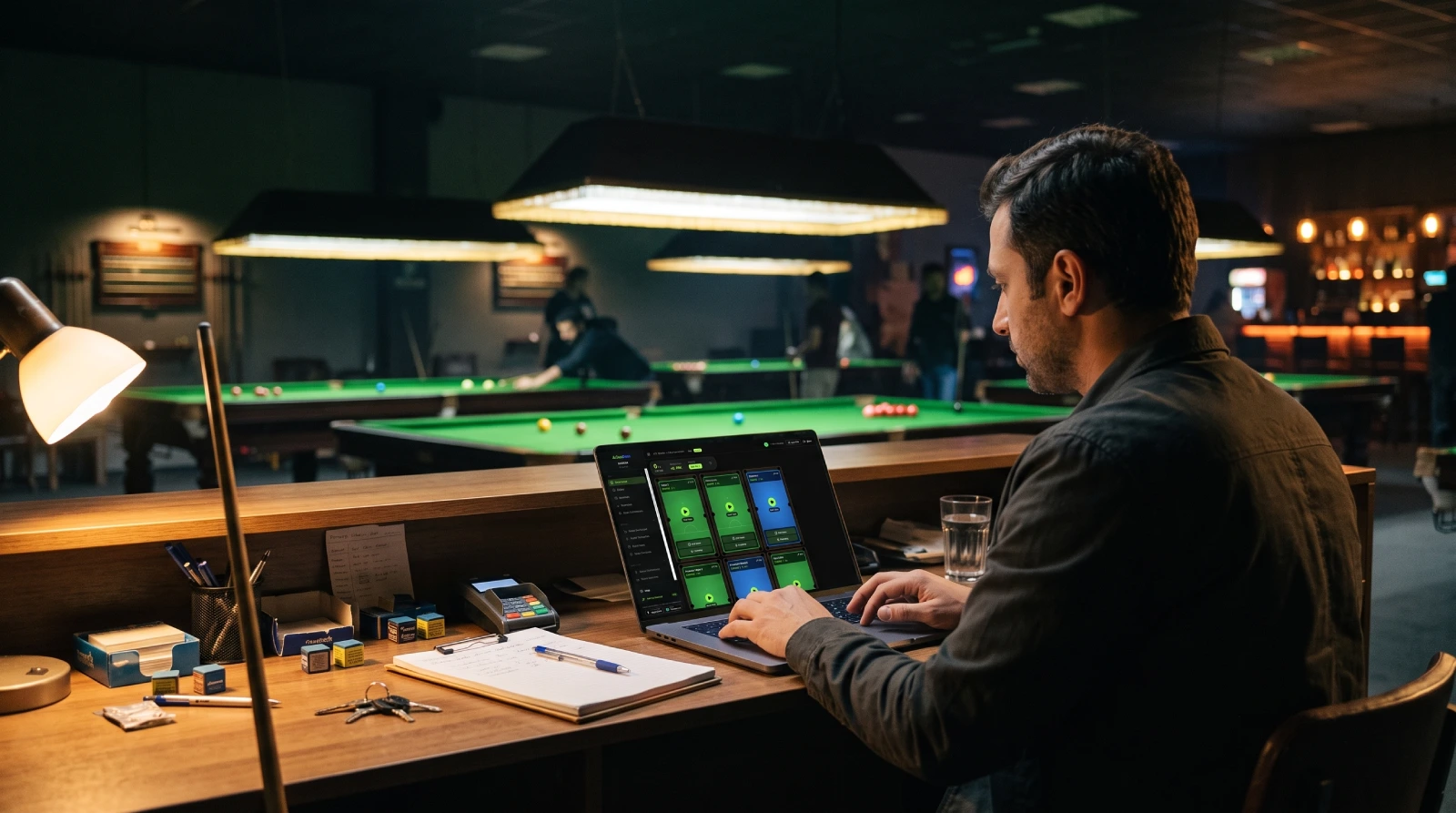
The snooker club software market is small but crowded with the wrong options — generic hospitality POS systems stretched to cover table billing, or custom-built tools so old they haven't been updated in years. This guide helps you cut through the noise and evaluate what actually matters.
1. Table Tracking and Auto-Billing
This is the core function. Your software needs to start a timer the moment a table opens and calculate the correct bill the moment it closes — automatically, based on your pricing rules, without staff doing mental arithmetic.
Look for: support for multiple pricing tiers (peak vs. off-peak), per-game-type billing (snooker vs. pool vs. American pool), package billing for regulars, and instant receipt printing at close.
2. Member Management
Any club with regulars needs proper member management — not just a name and phone number, but a full profile with visit history, balance, notes, and contact details.
Better systems go further: member QR codes for check-in, visit frequency analytics, lifetime value tracking, and a way to communicate with members through announcements or notifications.
Ask specifically: how is member check-in logged? Is attendance tracked automatically? What analytics are available per member?
3. Multi-Branch Support
If you own more than one club, single-branch software creates serious problems — separate logins, separate reports, and no unified view of your business.
Good multi-branch software keeps each location's data isolated (separate P&Ls, separate staff access) while giving the club owner a single dashboard with aggregated performance data across all branches.
4. Staff Roles and Access Control
Not all staff need access to everything. A cashier shouldn't be able to edit pricing. A branch manager shouldn't see another branch's finances.
Look for role-based access control (RBAC) that lets you define exactly what each staff member can see and do. Granular permission levels are a sign of a system designed for serious operators.
5. Reporting and Analytics
Monthly revenue, peak hours, table utilisation, top-earning tables, member footfall, retail performance — a good system surfaces these without requiring a manual export every time.
Red flag: if a system's reporting section is just a table of transactions, that's not analytics — that's a log. Look for dashboards with actual visualisation and trend data.
6. Retail and Inventory
Most snooker clubs sell drinks, snacks, chalk, cue tips, and other items at the counter. Your management software should handle retail sales separately from table income — so your P&L reflects both revenue streams accurately.
Inventory tracking (stock levels, low-stock alerts) is a bonus worth having if you stock meaningful retail product.
7. Pricing and Contracts
Watch out for: long-term contracts with no exit, per-table pricing that punishes growth, setup fees for basic onboarding, and opaque billing.
CueDesk charges a flat monthly fee covering up to 50 tables — so adding tables costs nothing extra.
Quick Evaluation Checklist
- Auto-billing from table start to close
- Member profiles with visit history and balance
- QR check-in and member analytics
- Multi-branch support with isolated P&Ls
- Role-based access control
- Real-time reporting dashboard
- Retail POS and inventory
- Flat, transparent pricing
Frequently Asked Questions
Is a generic POS system good enough for a snooker club?
Generally no. Generic POS systems are built around item sales, not time-based billing. They lack table timer logic, game-type pricing, member management, and branch isolation — features that matter from day one in a snooker club context.
How long does it take to switch snooker club management systems?
For CueDesk, setup takes under 30 minutes for a single branch — configure your tables, set pricing, add staff, and you're live. The main time investment is migrating existing member data, which varies depending on how it was stored before.
Does snooker club management software work on mobile?
Yes. CueDesk is available as a web app at cuedesk.app and as a native mobile app on Android and iOS. Every feature — table tracking, member management, analytics, retail, reporting — works across all three platforms. The one distinction: QR check-in and check-out require the mobile app, since they use the device camera.
CueDesk
Ready to modernise your club?
CueDesk handles table billing, member QR check-in, analytics, and more — purpose-built for snooker and billiard clubs.